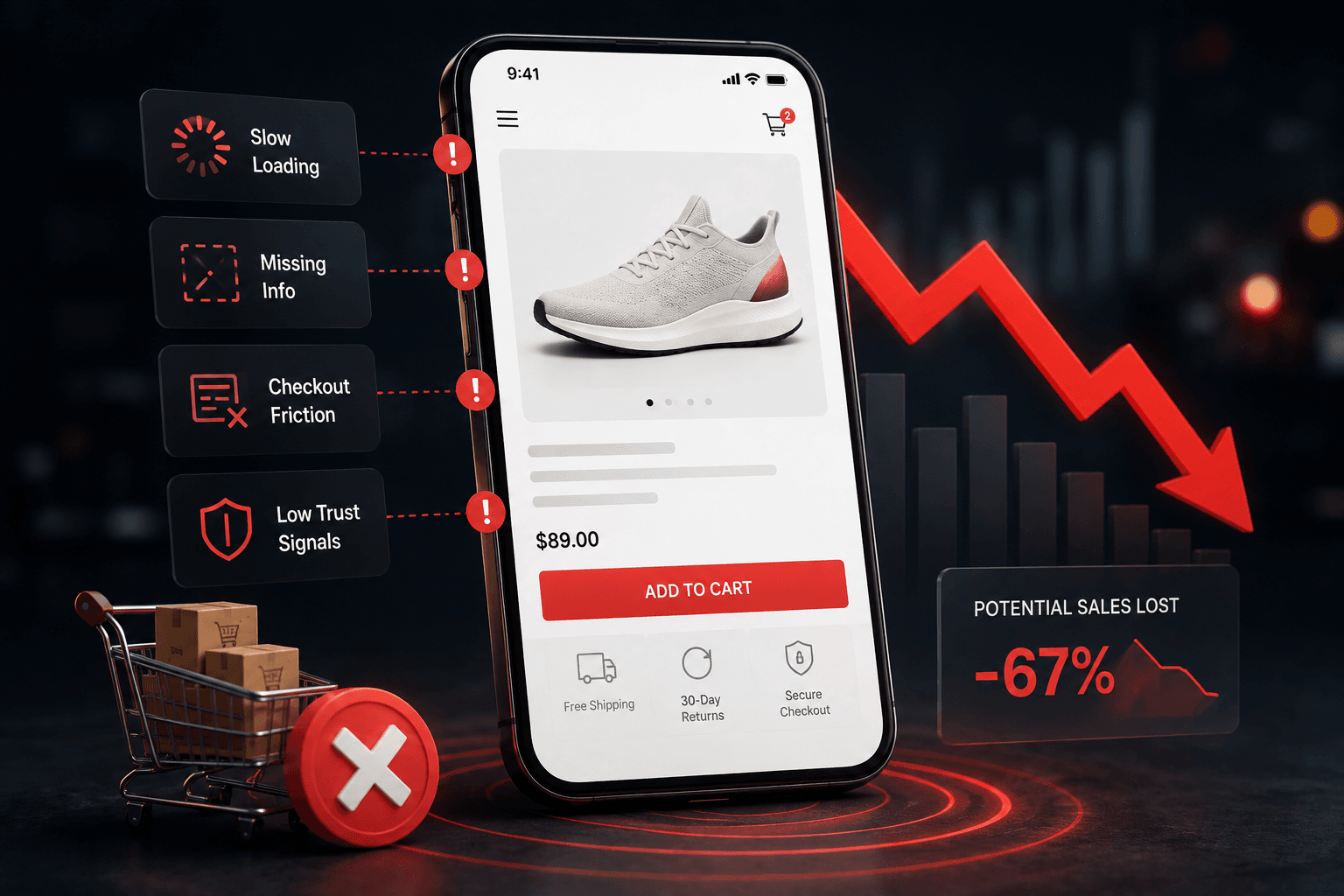
Mobile ecommerce conversion optimization deserves more attention than most stores give it. Mobile typically drives the majority of ecommerce traffic today, yet converts at close to half the rate of desktop on most stores. That gap isn’t about mobile shoppers being less interested, it’s almost always friction specific to smaller screens and touch input.
Why the mobile gap exists in the first place
Desktop-first design habits are the root cause. Most stores build and test on a laptop, then check mobile as an afterthought. The result is layouts, tap targets, and forms that technically work on mobile but were never actually optimized for it.
Mobile ecommerce conversion optimization: the specific fixes that close the gap
- Tap target size. Buttons and links need real touch-friendly sizing, not shrunk-down desktop elements. Cramped tap targets cause mis-taps, which reads to a visitor as the site being broken.
- Correct keyboard triggers. A phone number field should open a numeric keypad, not a full alphabet keyboard. Small, but it adds friction every single time someone fills out a form.
- Sticky add-to-cart. On mobile, scrolling past the add-to-cart button means losing the ability to buy without scrolling back up. A sticky bar keeps it accessible at all times.
- Image weight. Mobile connections are frequently slower than the Wi-Fi a site gets tested on. Heavy, unoptimized product images cost real conversions on cellular connections specifically.
Mobile checkout gets its own attention
Checkout is where mobile-specific friction compounds the most. Typing a full card number on a phone keyboard is the single highest-friction moment in most mobile funnels, which is exactly why Apple Pay, Google Pay, and Shop Pay matter more on mobile than on desktop. According to Baymard Institute’s research, payment-related friction is one of the most consistently documented causes of checkout abandonment, and mobile amplifies it.
How to actually test mobile, not just check it
Testing mobile properly means using a real phone on a real, sometimes throttled connection, not a resized desktop browser window. A resized browser window shows you the layout but not the real load times, tap accuracy, or keyboard behavior a real visitor experiences.
Common questions about mobile ecommerce CRO
Should I design mobile-first or desktop-first?
Given that mobile usually carries more traffic, designing mobile-first and adapting up to desktop tends to produce a better mobile experience than the reverse.
Does mobile conversion rate ever really match desktop?
It can get close with sustained attention, but a persistent gap is common even on well-optimized stores, partly due to differences in shopping intent and context between devices.
Is a mobile app worth building instead of a mobile website?
For most stores, a well-optimized mobile site delivers more value per dollar than a native app, which carries a much higher development and maintenance cost for a smaller share of return traffic.
Mobile ecommerce conversion optimization isn’t a separate project from your broader CRO work, it’s the majority of your traffic and deserves proportional attention, not a secondary check after desktop is done. See the full ecommerce CRO checklist for the product-page and checkout fundamentals that mobile fixes build on top of.
Progressive web apps as a middle ground
For stores weighing a native app against a standard mobile site, a progressive web app offers some middle ground, faster repeat-visit performance and some app-like features, without the cost and maintenance burden of native app development. It’s not the right fit for every store, but worth evaluating before committing to either extreme.
Mobile-specific trust signals
Trust badges and review counts that work fine on a spacious desktop layout can get crowded or hidden entirely on a small screen. Audit specifically whether your trust signals are actually visible on mobile without extra scrolling, not just present somewhere on the page.
A couple more mobile-specific questions
Does mobile traffic convert differently by device type, not just platform?
Yes, often. Tablet behavior can differ meaningfully from phone behavior, and lumping all “mobile” traffic together can hide a gap that only affects phones specifically.
Should product descriptions be shorter on mobile?
Not necessarily shorter, but better structured, with the most important information front-loaded before a scroll, since mobile visitors are less likely to read a long block of text in full.
Mobile-specific analytics worth setting up
Standard analytics often report mobile as one bucket, when in reality phones and tablets behave differently enough to warrant separate tracking. Set up device-level segmentation specifically, not just an overall “mobile vs desktop” split, so a problem affecting only phones doesn’t get diluted by better-performing tablet data sitting in the same category.
The cost of ignoring mobile speed specifically
Slow mobile pages compound two problems at once, worse conversion and worse search visibility, since page experience on mobile factors into how search engines evaluate a site overall. Treating mobile speed as purely a conversion issue undercounts its real impact on the business.
None of these fixes require a full site rebuild. Most can be implemented incrementally, tested individually, and measured against your existing mobile conversion baseline before moving to the next one.
Revisit mobile performance specifically after any theme update or new app installation, since these are common, easy-to-miss sources of new mobile-specific friction.
See what Revvy finds in your own store, no card required.
Given how much traffic mobile carries, even small, consistent improvements here tend to outweigh larger, less frequent desktop-only changes.
Start with the highest-traffic mobile page you have.
Fix what’s actually costing you conversions first, then work down the list from there.
Related reading
- Site Speed and Conversion Rate: How Much Milliseconds Actually Cost You
- Shopify Checkout Optimization: The Full Guide
- The Ecommerce CRO Checklist: Product Page to Checkout
Any serious mobile ecommerce conversion optimization effort has to start with real device testing, not assumptions.
See what’s costing you on mobile specifically.
Revvy analyzes mobile and desktop separately and ships fixes for both.