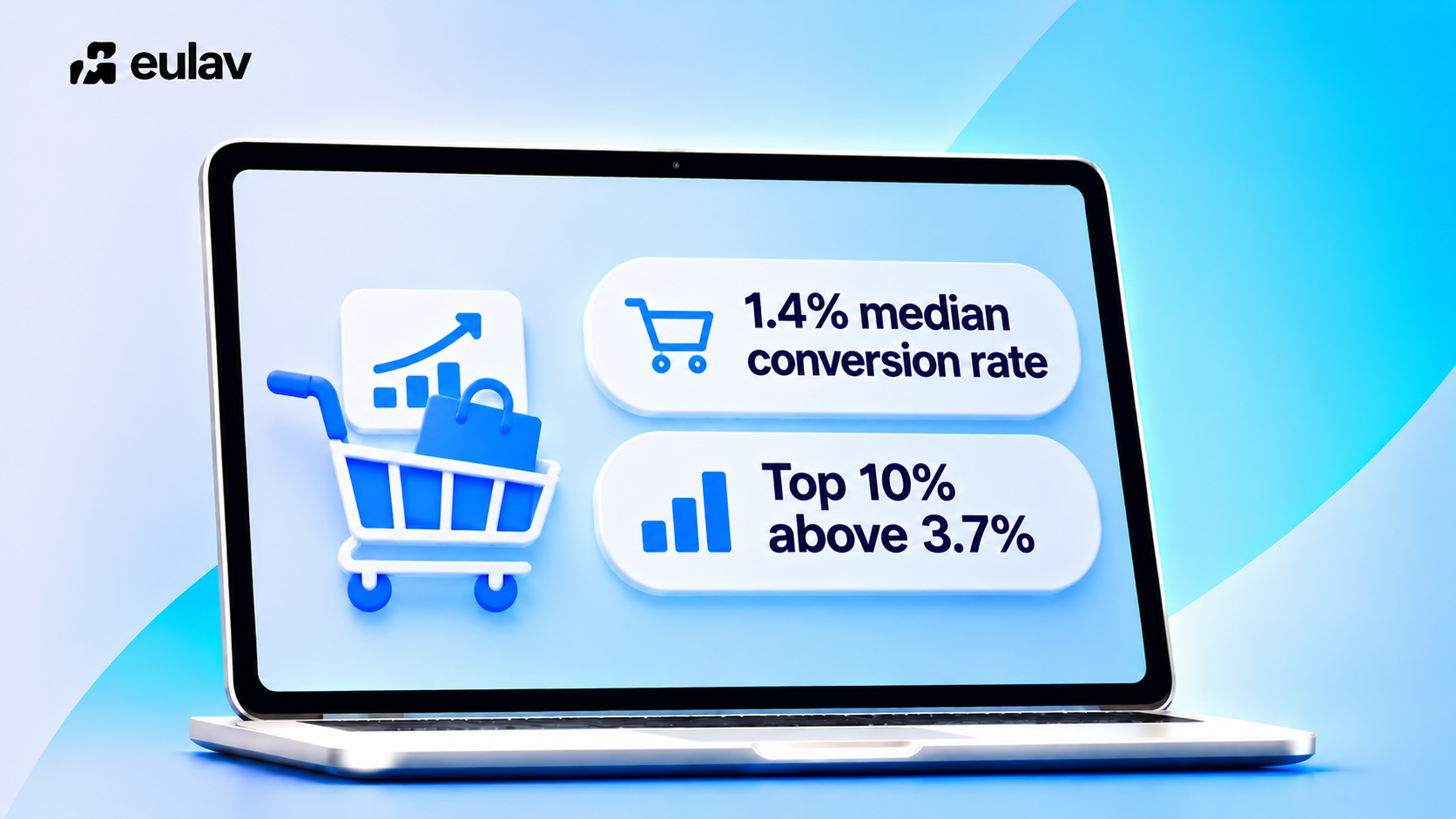
Quick answer: Ecommerce conversion rate is the share of sessions that include at least one purchase. For Shopify stores the median is about 1.4%, and the top 20% convert above 2.7% (Littledata, 90 days to 24 October 2026). Raise it by fixing the biggest blocker, then testing one change at a time.
Eulav is our product.
How ecommerce conversion rate is calculated
Conversion rate = orders divided by sessions, times 100. 28 orders from 2,000 sessions is 1.4%. Use one date range and compare by device and traffic source.
Why it matters more than traffic
More traffic at the same rate gives proportionally more sales, but it costs more. Raising the rate lifts revenue from the traffic you already have. A store moving from 1.4% to 1.9% earns about 36% more from the same visitors.
The five levers
| Lever | What to look at |
|---|---|
| Traffic quality | Which sources send visitors who buy |
| Product pages | Clarity of offer, images, reviews, price and delivery info |
| Cart and checkout | Hidden costs, forms, payment options |
| Speed and mobile | Load time and mobile usability |
| Trust | Returns policy, reviews, secure payment cues |
For numbers, see the average ecommerce conversion rate benchmarks. For tactics, see how to improve ecommerce conversion rates and our Shopify cart abandonment guide.
A simple order of work
- Find where visitors drop.
- Fix the largest, clearest blocker.
- Test the next change for 7 to 14 days.
- Keep winners, drop losers, repeat.
Find your biggest blocker in four steps
The post says to fix the biggest blocker first. This section shows how to find it.
- Split by device. Take the example above: 2,000 sessions and 28 orders is 1.4%. Now split it. If mobile has 1,400 sessions and 14 orders, that is 1.0%. If desktop has 600 sessions and 14 orders, that is about 2.3%. Same store, very different stories. This is an illustration with made-up numbers.
- Split by traffic source. Compare organic, paid, email and social. A source with lots of sessions and few orders is either the wrong audience or sending people to the wrong page.
- Walk the funnel. Count how many sessions reach a product page, add to cart, start checkout and buy. The step with the biggest drop is where to look first.
- Pick one fix and test it. Choose the change that targets that step, run it for full weeks, and avoid peak sales periods so the result is not distorted.
Reading the result. In the illustration above, mobile is the gap, so you would check the mobile product page and mobile checkout before touching anything else. If the biggest drop is between cart and checkout, look at hidden costs and forced account creation first.
Repeat the loop each month. Each pass removes one blocker and shows you the next.
Related reading
Keep going with ecommerce optimisation tools that increase sales and the best CRO tools for ecommerce.
Where Eulav fits
Raise your conversion rate from the traffic you already have, and see a measurable lift in your first 30 days, or get a refund. Eulav is an AI-powered revenue optimisation platform for Shopify stores. It scans your store, shows where you can sell more, including any hidden blockers, and runs optimisations you approve. Eulav picks and runs each optimisation, and nothing goes live without your approval.
Spending on traffic? Eulav is the companion to every dollar you spend on new or returning visitors, from paid ads to email, SMS and retention. At 1,000 visits, lifting conversion from 2% to 2.5% turns 20 orders into 25, with no extra ad spend.
Built for your category: Shopify CRO for fashion, beauty, supplement, jewellery, footwear brands. Comparing tools? See alternatives to Intelligems, Shoplift, Hotjar, Convert.
See what Eulav finds in your own store. Start with free opportunity finding and 2 tests.
Make the most revenue from your current channels today. Start with free opportunity finding and 2 optimisations. No card, 60-second setup.
FAQ
Above 2.7% is the top 20% for Shopify stores; the median is about 1.4% (Littledata).
Orders divided by sessions, times 100.
Both, but rate lifts revenue from traffic you already pay for.
Source: Littledata