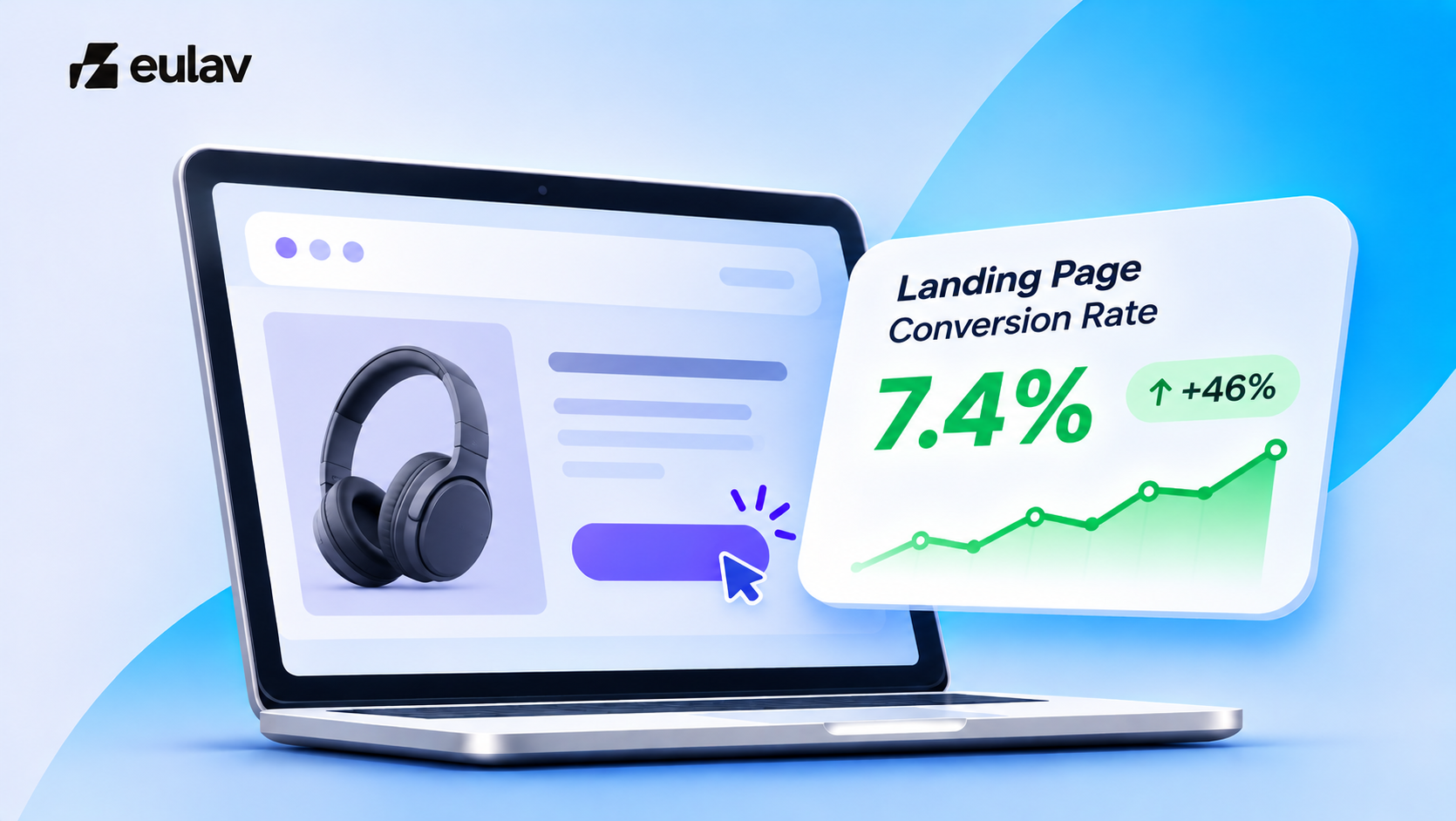
Quick answer: Landing page conversion rate is the share of visitors to a page who take the one action it exists for, usually a purchase or add to cart. Measure it per traffic source, because a page can convert well for email and poorly for paid social. Improve it by matching the page to the promise made in the ad, then testing one change at a time.
Eulav is our product.
How to measure landing page conversion rate
- Define one goal for the page (purchase, add to cart, sign up).
- Divide completions by visitors to that page.
- Split by source, campaign and device. A blended number hides the problem.
What moves it most
- Message match. The page headline and offer should match the ad or link that sent the visitor.
- One clear action. Remove competing links and choices.
- Proof near the action. Reviews, guarantees and delivery information.
- Mobile first. Most paid traffic arrives on phones.
- Speed. Slow pages lose visitors before they see the offer.
Paid traffic that does not convert
If you pay for clicks and the page does not convert, check message match and mobile experience before raising spend or changing the audience. The same ad budget earns more when the page converts better. See our guides to improving ecommerce ROAS and split testing landing pages, and our post on ecommerce conversion rate.
A five-minute landing page audit
Open your landing page on your phone and answer these questions in order. Each “no” is a likely leak.
- Does the headline match the ad or link that brought the visitor? If the ad promised one thing and the page opens with another, visitors leave. Keep the same words and the same offer.
- Can a stranger say what you sell and who it is for within five seconds? Read only the first screen.
- Is there one clear action? Remove extra menus, banners and competing buttons. One page, one goal.
- Is proof next to the action? Reviews, ratings, guarantees and delivery information should sit beside the button, not three screens below it.
- Does it load quickly on mobile? Most paid traffic arrives on a phone. A slow first screen loses people before they read a word.
- Is the ask small enough? Long forms and forced account creation add friction. Ask only for what you need.
Fix in this order. Start with message match, because it costs nothing and affects every visitor. Then fix the first screen, then proof, then speed.
Keep a simple record. Note the date, the change and the rate before and after. Change one thing at a time, so you know which change worked.
Test, do not guess
Change one element, run it for 7 to 14 days, and keep the winner.
Related reading
Keep going with ecommerce optimisation tools that increase sales and the best CRO tools for ecommerce.
Where Eulav fits
Make the traffic you already pay for earn a better return, and see a measurable lift in your first 30 days, or get a refund. Eulav is an AI-powered revenue optimisation platform for Shopify stores. It shows which pages and traffic sources lose you sales and runs optimisations you approve. Eulav picks and runs each optimisation, and nothing goes live without your approval. Your original site stays as it is.
Spending on traffic? Eulav is the companion to every dollar you spend on new or returning visitors, from paid ads to email, SMS and retention. At 1,000 visits, lifting conversion from 2% to 2.5% turns 20 orders into 25, with no extra ad spend.
Built for your category: Shopify CRO for fashion, beauty, supplement, jewellery, footwear brands. Comparing tools? See alternatives to Intelligems, Shoplift, Hotjar, Convert.
See what Eulav finds in your own store. Start with free opportunity finding and 2 tests.
Make the most revenue from your current channels today. Start with free opportunity finding and 2 optimisations. No card, 60-second setup.
FAQ
It depends on offer, traffic source and price. Compare against your own past results first.
7 to 14 days.
One at a time, so you know what worked.